Fine-tuning an open source large language model on your own data used to require a cluster of A100s, a month of patience, and a PhD-level understanding of distributed training. In 2026, you can fine-tune an 8-billion-parameter model on a single consumer GPU in under an hour. The barrier has shifted from compute to judgment — knowing when to fine-tune, what data to use, and which shortcuts to avoid.
After running dozens of fine-tuning experiments across Llama, Mistral, and Qwen model families, here's the practical playbook I wish I'd had when I started.
When Fine-Tuning Actually Makes Sense
The single most common mistake in 2026 is fine-tuning when you should be doing something else. Fine-tuning changes how a model behaves — its tone, format, reasoning patterns, and domain vocabulary. It does not reliably inject new factual knowledge. If your model gives wrong answers because it lacks information, you need RAG. If it gives answers in the wrong format, uses the wrong tone, or can't follow your domain's reasoning conventions, fine-tuning is the fix.
Good use cases for fine-tuning:
- Consistent output formatting: JSON schemas, structured reports, specific citation styles
- Domain-specific language: Medical terminology, legal reasoning patterns, financial analysis conventions
- Task specialization: Converting a general-purpose model into an expert at one specific task (classification, extraction, summarization)
- Behavior alignment: Teaching the model your organization's communication style, safety guidelines, or response policies
Bad use cases: trying to teach a model facts it doesn't know (use RAG), trying to make a small model as capable as a large one (use a larger model), or fine-tuning because "we should own our model" without a clear performance gap to close.
The 2026 Model Landscape: Picking Your Base
The 7B–8B parameter tier is the sweet spot for most teams. These models fit comfortably on consumer GPUs with QLoRA and deliver surprisingly strong performance after fine-tuning. Here's how the leading options stack up:
- Llama 3.2 8B (Meta): The default recommendation. Excellent general-purpose base, massive community support, permissive license for commercial use. Best-in-class instruction following out of the box.
- Mistral 7B v0.3: Punches above its weight on reasoning tasks. Slightly more efficient per parameter than Llama for inference-heavy workloads. Strong choice for structured output generation.
- Qwen 2.5 7B: Strongest multilingual capabilities in the 7B class. Excellent for teams working across languages or with CJK text. Competitive English performance.
- Gemma 2 9B (Google): Strong on structured tasks and code generation. Slightly larger but delivers measurably better results on benchmarks that require precise formatting.
For production deployment, Llama 3.2 8B is my go-to unless there's a specific reason to choose otherwise. The ecosystem support — tooling, community adapters, deployment guides — is unmatched.
LoRA vs. QLoRA: The Practical Difference
Full fine-tuning updates every parameter in the model. For an 8B model, that means ~16 GB of weights plus optimizer states, gradients, and activations — easily 80+ GB of VRAM. Nobody starts here in 2026.
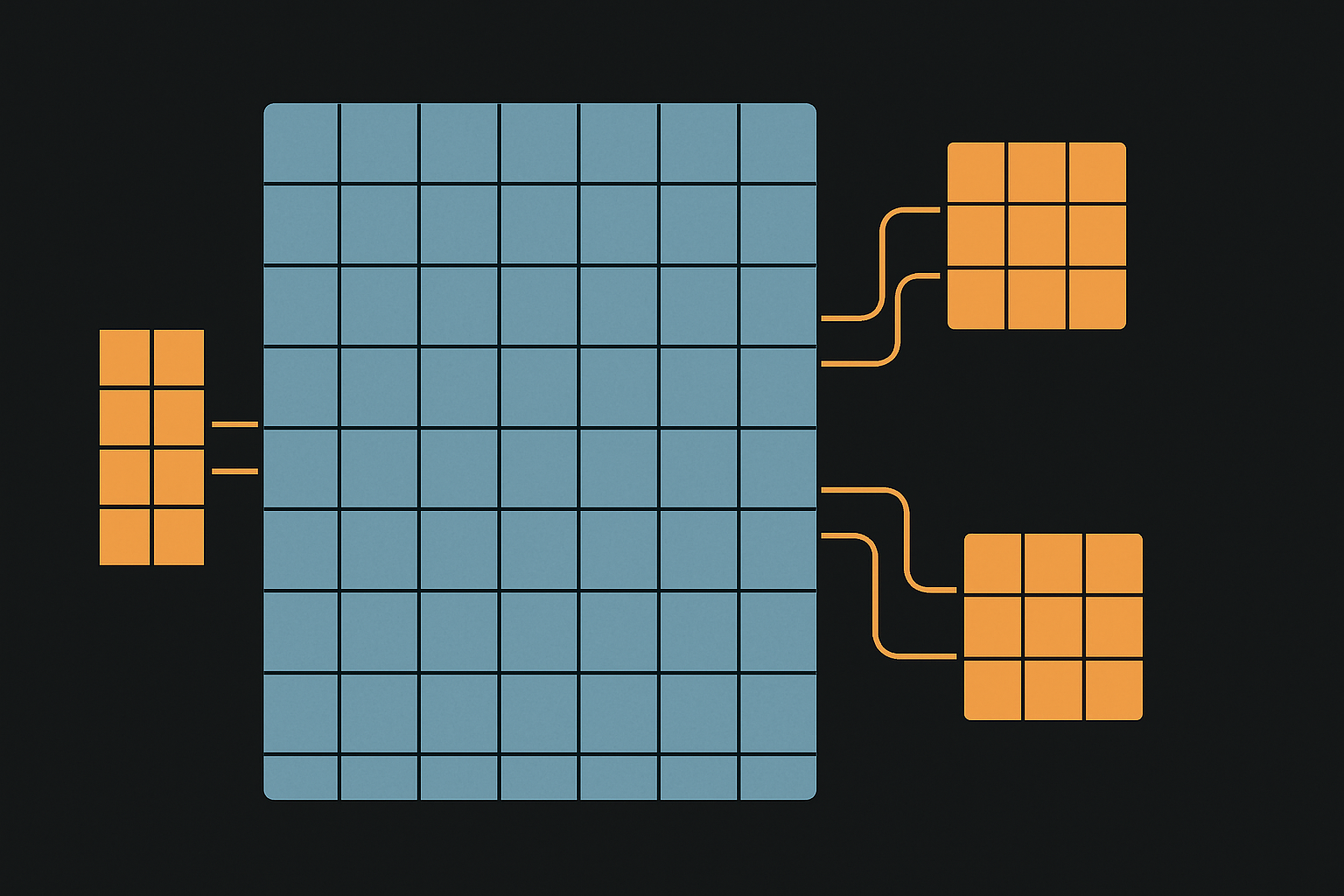
LoRA (Low-Rank Adaptation) freezes the base model and injects small trainable matrices into specific layers, typically the attention projections. Instead of updating 8 billion parameters, you train 10–50 million. VRAM drops to 16–24 GB.
QLoRA takes this further by quantizing the frozen base model to 4-bit precision (NF4 format) before applying LoRA adapters. This cuts VRAM to under 10 GB for an 8B model with short sequences. In head-to-head tests, QLoRA accuracy falls within 1–2% of full LoRA across all model families — a negligible gap for most production use cases.
Bottom line: Start with QLoRA. Only move to full LoRA (16-bit) if you have the hardware and can measure a meaningful quality difference on your specific task. For most teams, QLoRA is the 2026 default.
The Hyperparameters That Actually Matter
After running hundreds of experiments, here are the settings that consistently produce good results:
- LoRA rank (r): Start at
r=16. This is sufficient for most instruction-following and classification tasks. Going tor=64helps for complex reasoning tasks. Abover=128, use rsLoRA to prevent gradient instability. - Alpha: Set
alpha = 2 * r. Sor=16, alpha=32. This ratio consistently outperforms other configurations. - Target modules: Apply LoRA to all linear layers (
target_modules="all-linear"), not just q_proj and v_proj. The original paper's default of targeting only query and value projections consistently underperforms on instruction-following tasks. - Learning rate:
2e-4with cosine decay and 3–5% warmup steps. This is stable across model families. - Batch size: As large as your VRAM allows with gradient accumulation. Effective batch sizes of 16–32 work well.
- Epochs: 1–3 for most datasets. Multi-epoch training on static datasets often hurts rather than helps due to overfitting. Monitor validation loss and stop when it plateaus.
One underappreciated tip: match training and serving precision. If you plan to deploy in 4-bit quantization, train with QLoRA in 4-bit. Precision mismatches between training and inference introduce subtle quality degradation.
Data Preparation: Where Most Projects Succeed or Fail
The quality of your training data matters far more than the quantity. Here's what the research and my experience both confirm:
- 100–500 high-quality examples are sufficient for straightforward tasks (classification, extraction, structured generation) with LoRA
- 1,000–5,000 examples for complex domain-specific applications requiring nuanced reasoning
- 200 expert-validated examples consistently beat 2,000 hastily collected ones
Format your data as instruction-response pairs matching the model's chat template. For Llama models, that means using the <|begin_of_text|> and role tokens. Getting the template wrong is a silent killer — the model trains fine but produces garbage at inference because the prompting format doesn't match.
Data quality checklist:
- Consistency: Do all examples follow the same format and conventions?
- Correctness: Has a domain expert validated the outputs?
- Diversity: Do examples cover the range of inputs the model will see in production?
- Deduplication: Near-duplicate examples cause overfitting on repeated patterns
- Length distribution: Match the expected production distribution. Don't train on 50-token responses if users expect 500-token answers.
The 2026 Software Stack
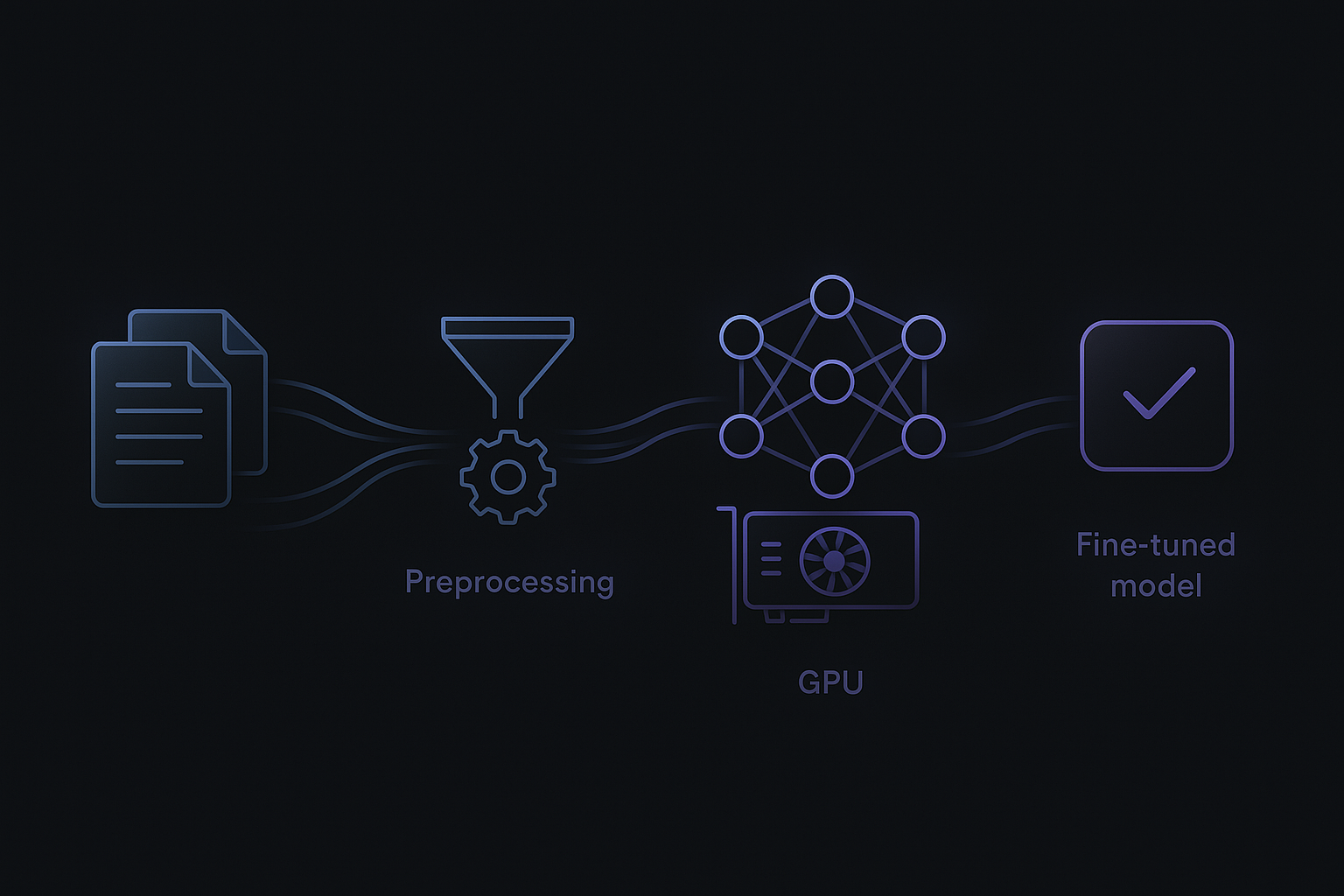
The tooling has converged. Here's what a production fine-tuning pipeline looks like:
- Framework: Hugging Face ecosystem (transformers, datasets, peft, trl) as the foundation. Unsloth for optimized training kernels that cut VRAM usage by 40–60% and double throughput on consumer GPUs.
- Training:
SFTTrainerfrom TRL for supervised fine-tuning. Handles chat template formatting, packing, and LoRA configuration. - Evaluation: Quantitative metrics (accuracy, F1, ROUGE) plus side-by-side qualitative comparison against the base model. Never skip evaluation — vibes-based assessment is how you ship broken models.
- Export: Merge LoRA adapters into the base model, then export to GGUF format for local inference with llama.cpp or Ollama. For server deployment, vLLM with the merged model.
On hardware: an RTX 4090 (24 GB) handles 8B models comfortably with LoRA. An RTX 4070 Ti (12 GB) works for QLoRA. No local GPU? RunPod and Vast.ai offer A100 instances at $1–2/hour — a full fine-tuning run costs $5–20.
The RAG + Fine-Tuning Hybrid
The best production systems in 2026 use both. Fine-tuning handles behavior: response format, domain vocabulary, reasoning patterns. RAG handles knowledge: current facts, documents, policies that change over time.
A concrete example: a clinical decision support system. The fine-tuned model knows how to reason about patient data, format differential diagnoses, and cite evidence in the expected clinical style. RAG provides what to reason about — current drug interactions, updated treatment guidelines, patient-specific lab results. Neither approach alone is sufficient; together they're powerful.
This separation — stable behavior in weights, volatile knowledge in retrieval — is the pattern I recommend for any system where the underlying data changes more frequently than the desired model behavior.
Common Pitfalls and How to Avoid Them
- Skipping evaluation. If you can't measure whether your fine-tuned model is better than the base model on your specific task, you're flying blind. Set up evals before you start training.
- Overfitting on small datasets. If your training loss drops to near-zero but the model hallucinates on new inputs, you've memorized instead of generalized. Use validation splits and early stopping.
- Wrong chat template. Each model family has its own special tokens and formatting. Using Llama's template with a Mistral model (or vice versa) produces models that seem trained but behave erratically.
- Ignoring catastrophic forgetting. Fine-tuning can degrade the model's general capabilities. Test not just your target task but also general instruction following to ensure you haven't broken the base model's strengths.
- Jumping to fine-tuning too early. Prompt engineering and few-shot examples solve many problems without training. Fine-tune only when you've confirmed that prompting alone can't close the performance gap.
A Step-by-Step Workflow
Here's the workflow I follow for every fine-tuning project:
- Define the task and metrics. What does "good" look like? How will you measure it?
- Baseline with prompting. Try the base model with well-crafted prompts and few-shot examples. Document performance.
- Prepare data. 200–500 expert-validated examples in the correct chat template format.
- Train with QLoRA.
r=16,alpha=32, all-linear targets, 1–3 epochs, cosine LR decay. - Evaluate rigorously. Compare against baseline on held-out test set. Check for catastrophic forgetting.
- Iterate on data, not hyperparameters. If results are weak, the fix is almost always better data, not different settings.
- Merge and deploy. Merge adapters, quantize to GGUF, serve via Ollama or vLLM.
Practical Takeaways
- QLoRA is the default. Start here. Move to full LoRA only if you measure a meaningful quality gap on your specific task.
- Data quality beats data quantity. 200 curated examples outperform 2,000 noisy ones. Invest in data preparation, not data collection.
- Fine-tune behavior, retrieve knowledge. Use fine-tuning for format and reasoning patterns. Use RAG for facts and documents.
- The 7B–8B tier is enough. For most specialized tasks, a well-tuned 8B model matches or beats a general-purpose 70B model — at a fraction of the inference cost.
- Evaluate before and after. No evaluation means no evidence that fine-tuning helped. The base model with good prompting might already be good enough.
Fine-tuning isn't about making your model smarter. It's about making it yours — teaching it the specific behaviors, formats, and reasoning patterns that turn a general-purpose language model into a specialized tool for your problem.