MLflow has been the de facto standard for ML experiment tracking since Databricks open-sourced it in 2018. But for most of its history, it solved only one problem well: logging metrics, parameters, and artifacts from training runs. Getting a model from a Jupyter notebook to a production endpoint still required stitching together a half-dozen other tools. MLflow 3.0, which shipped in early 2026 with rapid point releases through March, changes that calculus significantly.
After migrating two production pipelines from MLflow 2.x to 3.x, here's what actually matters — and what's still missing.
The Run-Centric Model Is Dead
The biggest conceptual shift in MLflow 3.0 is the introduction of LoggedModel as a first-class entity. In MLflow 2.x, everything revolved around runs. A model was an artifact attached to a run, and tracking a model's lifecycle meant navigating through run hierarchies — parent runs, child runs, nested experiments. It worked, but it was awkward.
LoggedModel decouples the model from the run that produced it. A LoggedModel captures metrics, parameters, and traces across different phases (training, evaluation, staging, production) and across different environments. This means you can evaluate a model in one run, test it in another, deploy it, and track production metrics — all linked to the same LoggedModel entity.
In practice, this eliminates the most common complaint I heard from ML engineers: "I trained this model three weeks ago, where are its evaluation results?" With LoggedModel, you query the model directly. Its full lineage — training run, evaluation runs, deployment history — is attached to it, not scattered across experiment folders.
import mlflow

# Log a model as a first-class entity
with mlflow.start_run():
    model_info = mlflow.sklearn.log_model(
        sk_model=pipeline,
        name="churn-predictor",
        params={"n_estimators": 200, "max_depth": 8}
    )

# Later: evaluate the same LoggedModel in a separate run
with mlflow.start_run():
    mlflow.models.evaluate(
        model=model_info.model_uri,
        data=eval_dataset,
        model_type="classifier"
    )
Tracing Changes Everything for GenAI
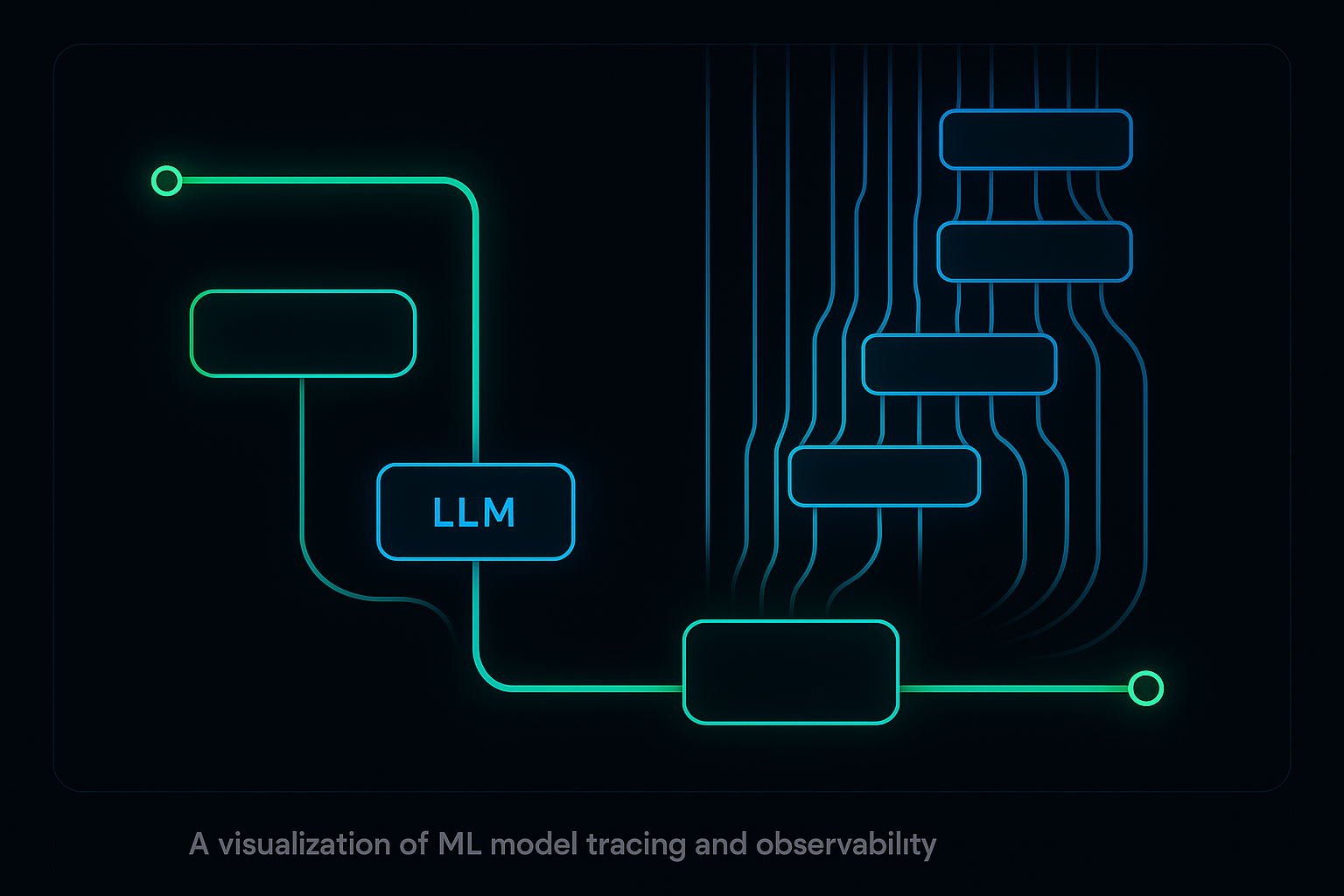
If you're building anything with LLMs — RAG pipelines, agents, chain-of-thought systems — MLflow 3.0's tracing is the feature that matters most. Unlike basic logging that captures inputs and outputs, MLflow Tracing provides hierarchical visibility into complex execution flows.
The killer feature is automatic instrumentation. Add mlflow.openai.autolog() at the top of your script, and every OpenAI call, every LangChain chain execution, every retrieval step gets traced automatically. No decorators, no manual span creation. MLflow supports auto-instrumentation for 20+ frameworks including OpenAI, Anthropic, LangChain, LlamaIndex, and HuggingFace.
Why does this matter for production? Because debugging a RAG pipeline failure at 2 AM is miserable without traces. When a user reports that the system gave a wrong answer, you need to see: which documents were retrieved, what the similarity scores were, how the prompt was constructed, what the LLM generated, and whether any post-processing modified the output. MLflow Tracing captures all of this in a single hierarchical trace that you can inspect in the UI or query programmatically.
The traces also feed directly into evaluation, which brings us to the next major change.
GenAI Evaluation That Actually Works
MLflow 2.x had mlflow.evaluate(), but it was limited to basic metrics on tabular predictions. MLflow 3.0 splits evaluation into two paths: mlflow.models.evaluate() for traditional ML and mlflow.genai.evaluate() for LLM outputs. The GenAI evaluation suite is where the real innovation happened.
The system uses LLM-as-judge scoring with research-backed evaluation criteria. Out of the box, you get scorers for relevance, faithfulness (is the answer grounded in the retrieved context?), safety, and coherence. But the real power is custom scorers:
from mlflow.genai import evaluate, scorer

@scorer
def domain_accuracy(request, response, expected):
    """Custom scorer for financial domain accuracy."""
    # Use an LLM judge with domain-specific criteria
    return judge(
        criteria="Does the response accurately cite "
                 "regulatory requirements?",
        request=request,
        response=response,
        expected=expected
    )
This approach — systematic evaluation with custom scoring criteria — is what most teams were building ad hoc with separate evaluation frameworks. Having it integrated into the same platform that handles experiment tracking and deployment removes a major friction point.
The Prompt Registry Fills a Real Gap
Every team I've worked with that builds LLM applications has the same problem: prompt management is chaos. Prompts live in code, in config files, in Notion docs, in Slack messages. Nobody knows which prompt version is in production. A "small tweak" to a system prompt breaks the output format downstream.
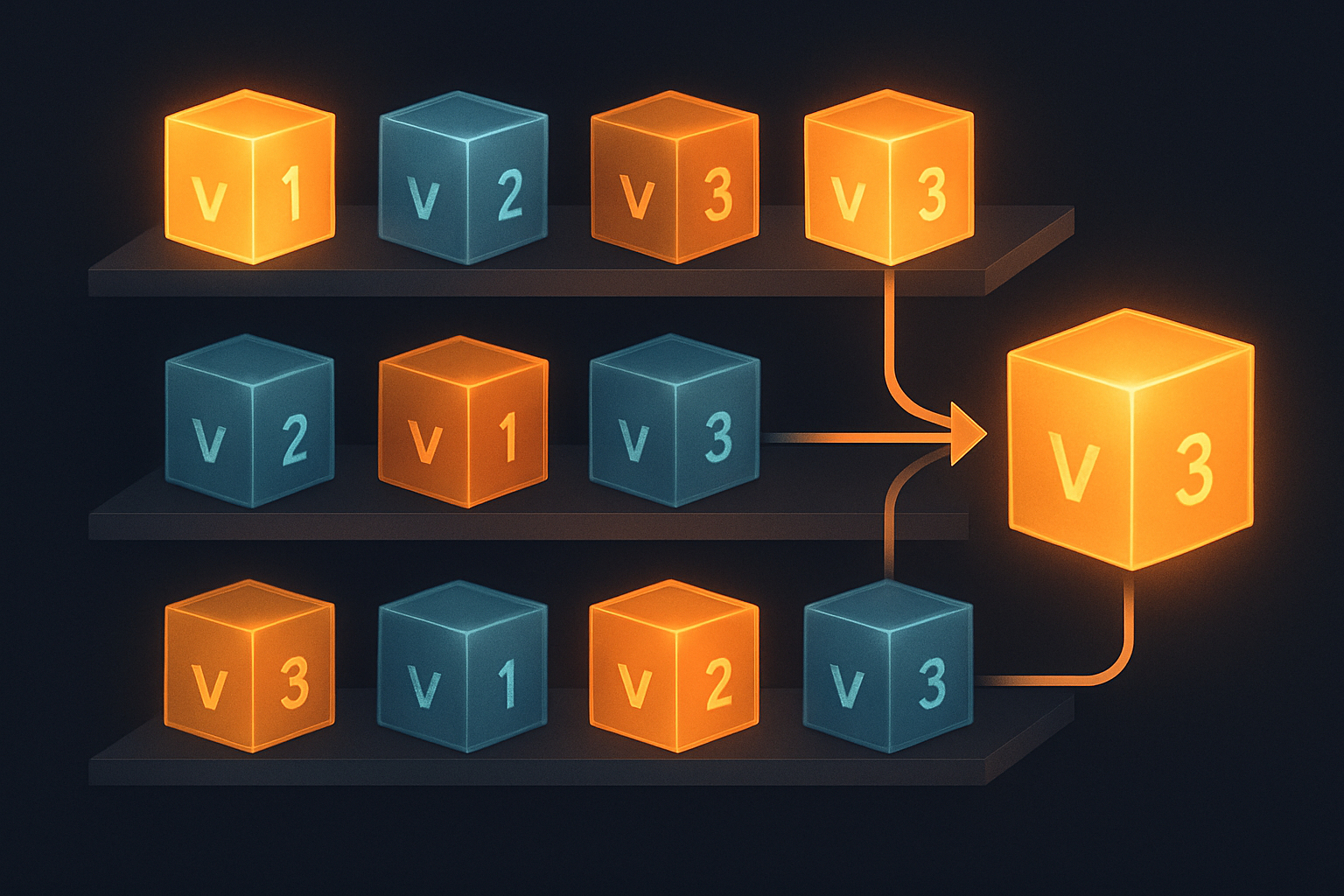
MLflow 3.0's Prompt Registry treats prompts as versioned, tracked artifacts. You register a prompt template, version it, link it to evaluations, and deploy specific versions. The prompt optimization feature (added in MLflow 3.5) can even automatically improve prompts using evaluation feedback and labeled datasets.
This isn't revolutionary technology — it's version control for prompts. But the fact that it's integrated with experiment tracking and evaluation means you can answer questions like "which prompt version produced the best faithfulness scores on our eval set?" with a single query instead of cross-referencing three different tools.
Deployment Jobs: The Missing Link
The feature that most surprised me in MLflow 3.0 is Deployment Jobs. The workflow is straightforward: register a new model version, and MLflow automatically triggers evaluation against your quality gates. If the model passes, it's approved for deployment. If it fails, you get a clear report of which criteria weren't met.
This is the CI/CD pipeline for ML that teams have been building manually for years. Most production ML teams I've seen have some combination of GitHub Actions, custom scripts, and manual approval steps to validate models before deployment. MLflow Deployment Jobs consolidates this into a single workflow that's integrated with the model registry.
The integration with Databricks Unity Catalog adds governance and audit trails, which matters for regulated industries. But even without Databricks, the open-source deployment validation workflow is a significant improvement over the status quo.
What's Still Missing
MLflow 3.0 is a major step forward, but it's not a complete MLOps platform. Here's what you'll still need other tools for:
- Data versioning: MLflow tracks model artifacts but doesn't version training datasets. You'll still need DVC, Delta Lake, or LakeFS for reproducible data pipelines.
- Feature stores: MLflow doesn't manage features. Feast, Tecton, or Databricks Feature Store are still necessary for feature engineering in production.
- Orchestration: MLflow runs experiments but doesn't orchestrate workflows. Airflow, Prefect, Dagster, or Databricks Workflows handle the scheduling and dependency management.
- Real-time monitoring: While MLflow 3.9 added continuous monitoring with LLM judges, traditional model monitoring (data drift, prediction drift) is still better served by Evidently, Whylabs, or custom solutions.
- Infrastructure: MLflow doesn't provision compute. You're still managing GPU clusters through your cloud provider or Kubernetes.
The Practical 2026 Stack
Based on the two production migrations I've completed, here's the MLOps stack I'd recommend for a team starting fresh in April 2026:
- Experiment tracking & model registry: MLflow 3.x (the obvious choice — 30M+ monthly downloads, massive community)
- Data versioning: DVC for small teams, Delta Lake for Spark-heavy environments
- Orchestration: Dagster (best developer experience) or Airflow (largest ecosystem)
- Feature store: Feast if open-source, Tecton if budget allows
- Monitoring: MLflow tracing for GenAI, Evidently for traditional ML drift detection
- Serving: vLLM for LLMs, BentoML or MLflow's built-in serving for traditional models
The key insight from MLflow 3.0 is that the GenAI and traditional ML toolchains are converging. You no longer need separate experiment tracking for your classification models and your RAG pipelines. LoggedModel works for both. Evaluation works for both (with different methods). The model registry works for both.
Migration Advice
If you're on MLflow 2.x, be aware of breaking changes. The mlflow.evaluate() API is deprecated — you need to switch to mlflow.models.evaluate() or mlflow.genai.evaluate(). The fastai and mleap flavors are removed. Some deprecated parameters in log_model() are gone.
My recommendation: don't try to migrate everything at once. Start by upgrading your tracking server, then migrate experiments incrementally. Use LoggedModel for new projects and let existing run-based workflows continue until you naturally iterate on them.
MLflow 3.0 doesn't replace your entire MLOps stack — no single tool does. But it finally closes the gap between experiment tracking and production deployment that made the 2.x experience feel incomplete. For data scientists who've been stitching together five tools to get a model into production, that's a meaningful improvement.